
13th September 2022 : Version 4.11.0.3
New Feature to enhance security
One of the ways to directly upload or download files from the Vaultastic Inactive Store is to use a third-party tool such as S3Browser. To use this, you require the credentials of the bucket and folder on which your domain's Inactive Store is hosted.
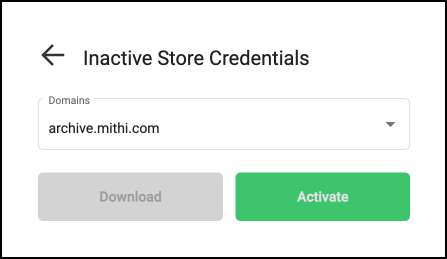
Vaultastic now provides a secure way to get these credentials. Simply login to the Inactive Store App, activate and download secure access for the selected domain.
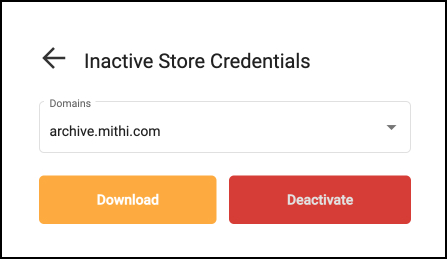
You can also revoke the access by using the Deactivate feature
To know more about this feature and the different ways to upload and download data from the Vaultastic Open Store, refer to the topic here.